Sat 21st Nov 2009
My image of the day


CS3-PSD-125x125


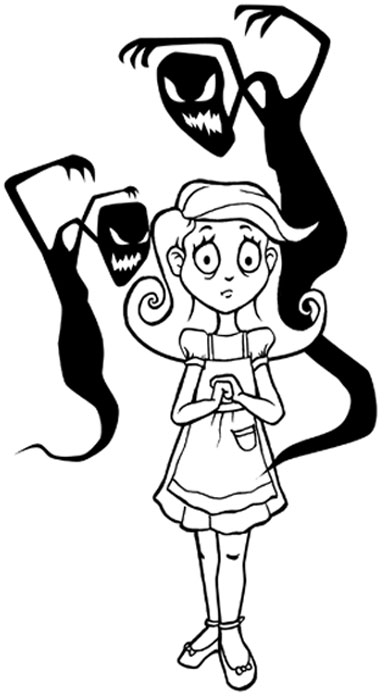
This Photoshop tutorial takes you through all the steps that I use to create my pictures. It is designed for beginner to intermediate level Photoshop users.-Melissa Clifton

Colouring Line Art

Digital Art Tutorial Recommended for Beginner to Intermediate Level Photoshop Users


INTRODUCTION

The tutorial that follows shows MY way of colouring using Adobe Photoshop. I do not claim to be a Photoshop expert by any means, this is just the technique I use. It's a really good way of colouring/shading your pictures if you are indecisive about the colour palette, as you can easily change the colours at any stage! Please note this tutorial is written for PC users (because that's what I use) and for mouse users (because that's all I had at the time of writing this tutorial. Now I'm a very proud owner of a wacom tablet and couldn't live without it).


There are five steps to this tutorial...

STEP 1: Separating the line art
STEP 2: Adding colour
STEP 3: Adding depth and highlights
STEP 4: Colouring the line art
STEP 5: Finishing touches


Before you begin, I suggest that you read through this entire Photoshop tutorial.
First, STEP 1: Separating the line art > >


2D Gallery  |  3D Gallery  |  Illustration Gallery  |  Animation Portfolio  |  Photoshop Tutorials  |  Spotlight  |  Links  |  Contact  |

Website development by Sycha

© 2009 Melissa Clifton. All Rights Reserved.
www.melissaclifton.com

You found the tattoo...